How to download educator copies and teaching notes for your coursepack
- Login to your existing faculty account or register for a faculty account by clicking on the following link: https://www.iveypublishing.ca/s/login/SelfRegister
- Type the title or product number of each product listed in your coursepack using the search bar.
- Click the product to go the product abstract page..
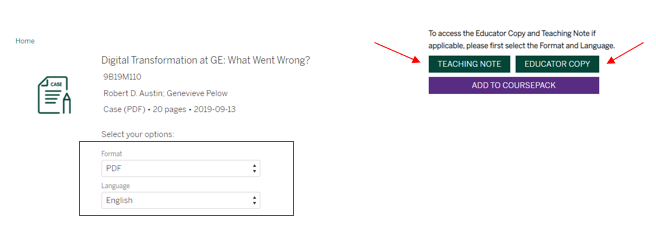
- On the product abstract page, click on the “Educator Copy” and “Teaching Note” green icons on the right hand side of the case title. If you do not see this option, select the Format and Language to access. Continue this for each of the product listed in your coursepack.
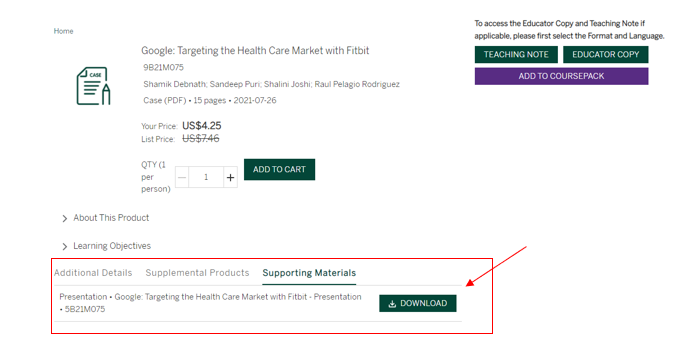
Any additional material, if available, can be downloaded by scrolling to the bottom of the product page and clicking on ‘Supporting Materials'.